
Free Wood & Tree Identifier
Upload a photo of wood, bark or a leaf and get the likely species in seconds, right in your browser.
Your result shows here
Pick what is in the photo, add the photo, then press the button.
How the free identifier works
Your photo is sent once to our AI model, which compares grain, colour, leaf shape and bark texture with thousands of species. You get the most likely match, how sure it is, and one look-alike to check. The photo is not stored.
The browser version gives you 3 free scans a day. The Wood Ai app adds unlimited scans, full care and wood reports, and Ask AI.
Tips for a photo that identifies
- Fill the frame with one leaf, one patch of bark, or a clean end grain.
- Use daylight. Avoid flash glare on finished wood.
- For lumber, plane or sand a small patch first: old finish hides the real colour. Our guide how to identify wood shows what to look for.
- If the match is unsure, take a second photo of the other side or of the end grain.
Identify it from one photo
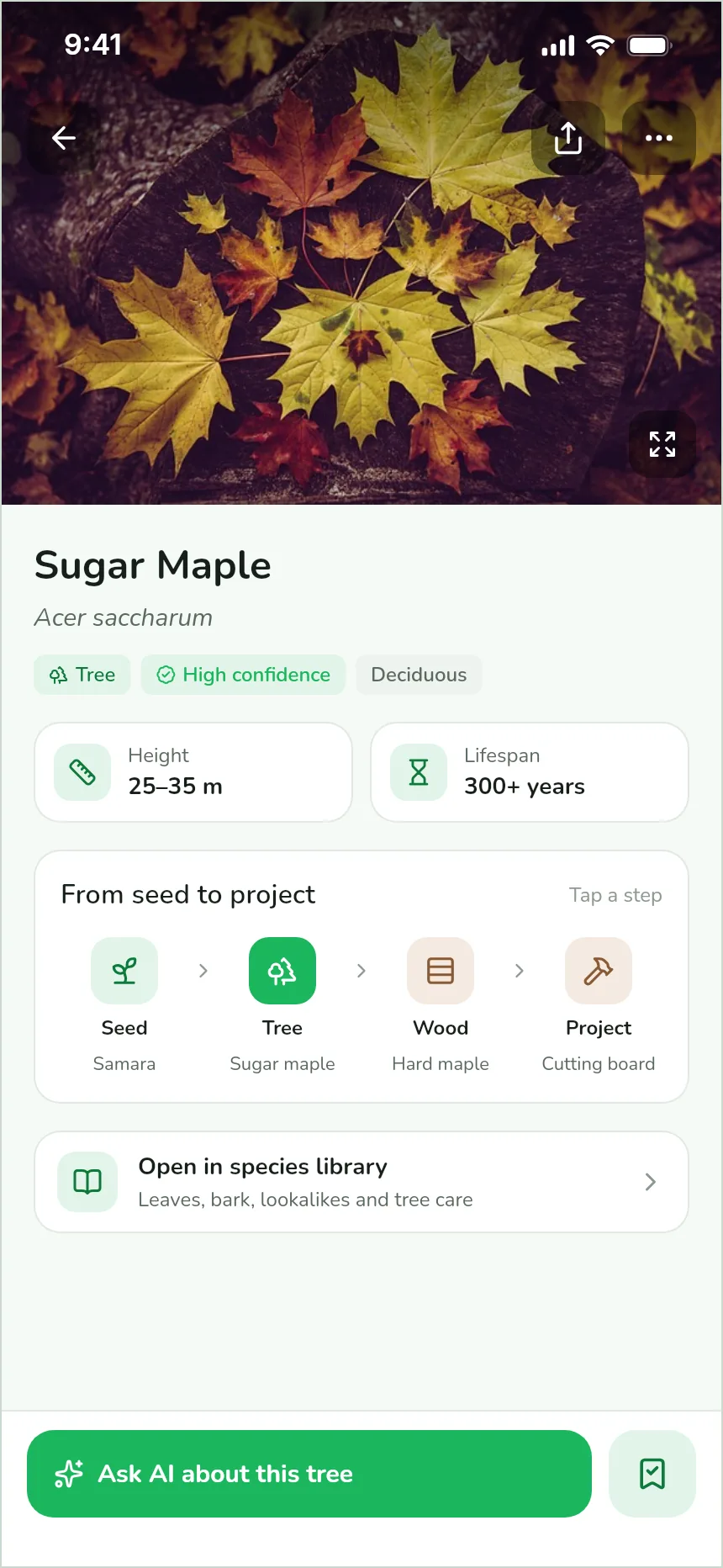
Wood Ai names the species and gives you hardness, care and uses.
FAQ
Questions people ask
Short answers about this free tool.
Is the online identifier really free?
Yes. You get 3 free scans a day in the browser with no account. The app gives you more free scans every day, and Pro makes them unlimited.
What photos work best?
A sharp close-up of one leaf, a patch of bark or a freshly cut end grain, in daylight. Blurry, dark or very distant photos give weaker matches.
Do you keep my photos?
No. The photo is used for the identification and then discarded. We do not store it or use it for anything else.
Can it tell veneer from solid wood?
It names the species on the surface. To check for veneer, look at the end grain and the edges of the piece.